
The Real Risk vs Reward of Using AI to Build Your Mobile App in 2026
In 2026, building an app with AI stopped being just a flashy demo and became something people are actually using for real projects. You describe what you want, and boom—you get screens, user flows, sometimes even a working prototype. I tried it myself and was honestly surprised—I threw in a prompt and it actually created a sample game app for me, just like that.
So does this mean coders are at risk? Should you still pursue a career in coding? We're going to dig into all of that in this article.
Even developers themselves are noticing the shift. According to the 2026 Stack Overflow survey, AI tools have gone mainstream—tons of developers are either already using them or planning to. But here is the interesting part: even though everyone's using these tools, the trust factor is not there yet. A huge number of developers admit they don't actually rely on what AI generates.
So if you’re a founder, business owner, product manager, or even a dev lead asking:
- Should we use AI to build our app?
- Will it save money or create hidden costs?
- Can AI-built apps pass App Store / Play Store checks?
- What’s the safest way to use AI without ruining quality?
I'm going to break down what actually works, where things can go wrong, and give you a practical framework to decide whether this is worth your time—before you invest months into something that falls apart the moment real users touch it.
What “AI app builder” actually means in 2026
Most people mix these together:
- AI app builders: (prompt → screens → basic functionality)
- No-code / low-code platforms: (drag-drop + integrations + templates)
- AI-assisted development: (real dev workflow, but AI helps write/test/ship code)
The BuildFire article talks a lot about AI app builders and that gap between prototypes and actual working apps—which makes sense. But here's what they're missing: people searching in 2026 aren't just asking "should I use an AI app builder instead of going native?" They're asking bigger questions like: “Can I launch an app store app with AI?” or “Is AI app development safe?”
The Rewards: Where AI Actually Saves You Time
Let’s give AI credit. It can help a lot—if you use it in the right zone.
1. Fast prototyping
AI is great for quick UI mockups, basic flows (login → home → profile), generating dummy screens, and turning rough ideas into something you can show investors.
2. Faster iterations in product planning
Instead of spending days explaining your idea, you can use AI to explore multiple UX approaches, generate alternate navigation structures, and map user journeys. When you do it right, you cut down all that back-and-forth during the early planning stages.
3. Helping developers move quicker
Even if you’re building custom, AI can speed up boilerplate code, repetitive UI components, and unit test drafts. Most developers are already using AI tools now—the 2026 Stack Overflow survey makes that pretty obvious.
4. Lower initial cost for validation
Building a custom app the traditional way is expensive. If all you're trying to do is validate demand with something clickable or semi-functional, AI can actually be a smart shortcut.
The Risks: What Can Go Wrong

Here's the thing nobody tells you upfront: AI problems don't show up on day one. They show up later—when you're trying to scale, lock down security, add payment processing, or get through app store review.
Risk 1: Prototype ≠ production app
Many AI tools can get you something that looks like an app. But real apps need stable architecture, error handling, performance tuning, secure authentication, and scalable backend design. That's literally what separates a demo from an actual product.
Risk 2: App Store rejection and compliance surprises
Apple is very clear: there are common “missteps” that trigger rejection. If your AI-built app has broken functionality, privacy issues, or unstable performance, it can get blocked.
Risk 3: AI-generated code can increase bugs
This is not “AI is bad” fear. It’s a reality of how generative code works. Recent research shows that AI-generated code tends to have more issues than code written entirely by humans—including some serious security problems.
Risk 4: Vendor lock-in
Many AI app builders are “closed systems.” If you build inside them, you may not truly own the codebase or the backend logic. When you outgrow what AI built for you, you're stuck rebuilding the whole thing from scratch.
Risk 5: Integrations break the AI dream
Most businesses don’t want “an app.” They want an app connected to real stuff like CRM, inventory, payments, and analytics. AI builders start to fall apart once you need complex integrations.
Risk 6: Hidden costs show up after launch
The real question you should be asking isn't "how cheap can I build this?" It's: what's it actually going to cost me to run and improve this thing over the next 12 to 24 months?
AI App Builder vs No-Code vs Custom Development
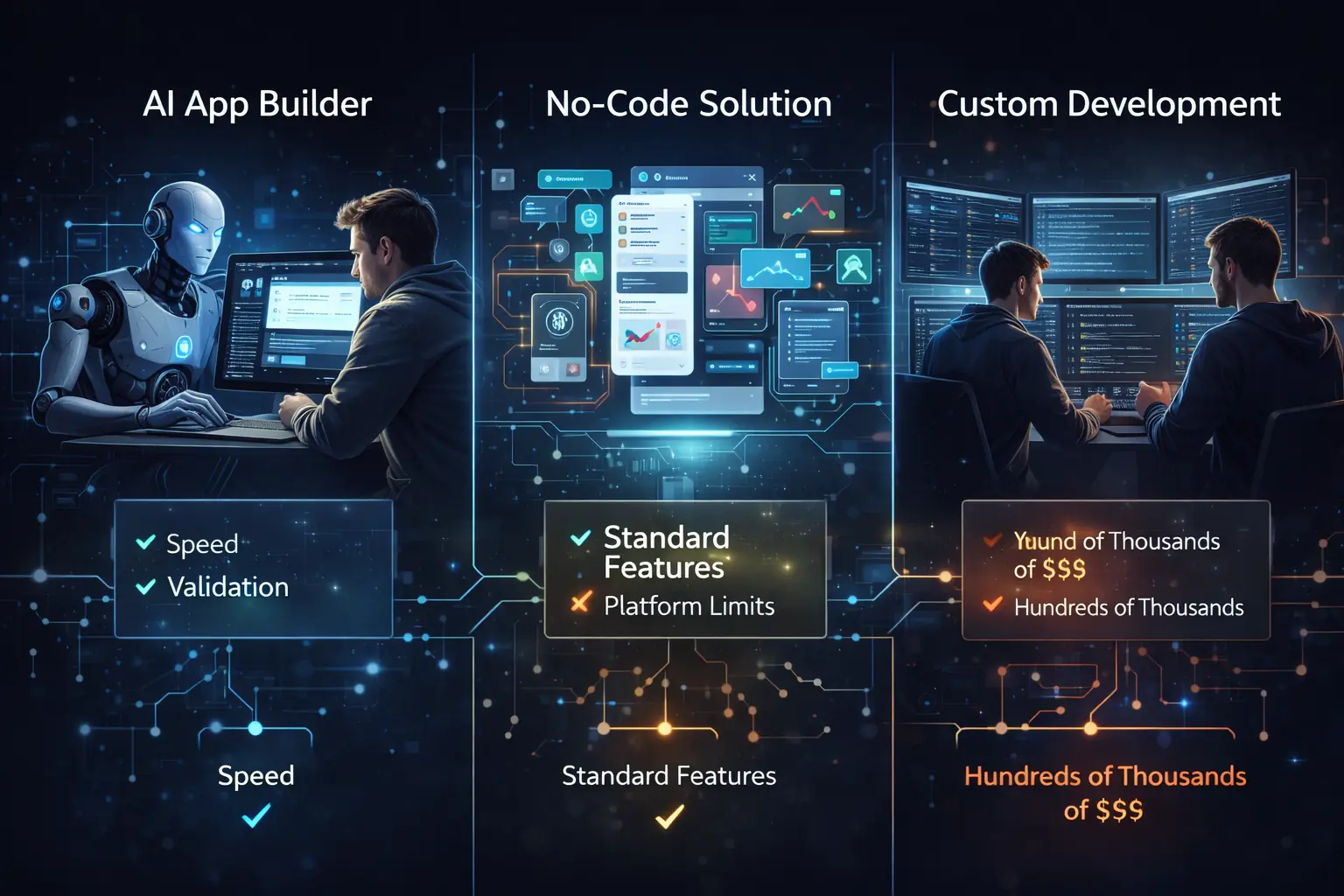
Let’s keep it simple:
- If you need speed and validation: AI builder or AI-assisted prototype = good
- If you need a stable “business app”: No-code/low-code can work (depending on platform limits)
- If you need scalability & security: Custom development (with AI assisting devs) wins
The mistake is assuming: “If AI can generate it, it must be production-ready.”
The Smart 2026 Approach
Here's what actually works—and it's how the smart teams are using AI right now:
- Use AI to validate (not to finalize): Generate UI ideas and test the core flow with real users.
- Lock requirements and architecture (human-led): Define user roles, data flows, and compliance needs before building.
- Build the real app with AI-assisted engineering: Use AI for boilerplate and UI coding, but enforce code reviews, security checks, and QA testing.
A Practical Decision Framework
Answer these honestly before you pick a path:
- Choose an AI app builder if: You need a prototype this week, you’re testing demand, or the app is simple.
- Choose no-code/low-code if: The app fits standard patterns and you need faster time-to-market.
- Choose custom development (AI-assisted) if: You need secure auth, roles, payments, strong integrations, and long-term ownership.
App Store Reality: Why "Working" Isn't Enough
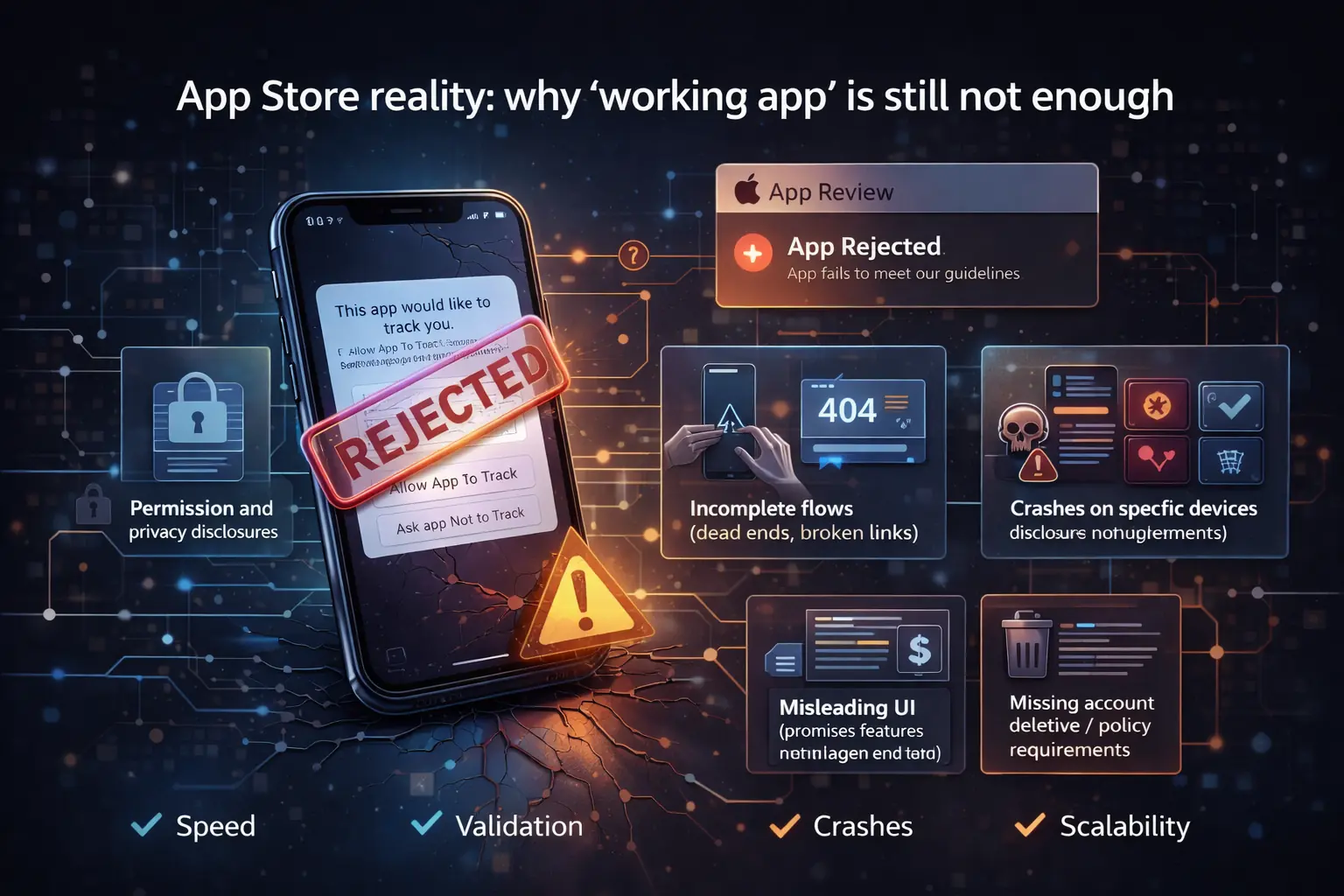
Apple's app review guidance is straightforward: don't make the common mistakes. In practice, teams usually fail here due to permissions issues, incomplete flows (dead ends), or misleading UI.
What to do if you already built an AI prototype?
If you want a real app now, follow this clean path:
- Audit what you have: Identify what’s reusable (UI ideas) vs what’s risky (auth, backend).
- Create a production scope: Define user stories and data models.
- Decide your architecture: Native vs cross-platform.
- Build in phases: MVP -> v1 -> v2.
FAQs
Can AI build a fully functional app in 2026?
Sure, AI can throw together prototypes fast. But for something secure, scalable, and app-store-ready, you still need real engineers doing real work.
Is AI-generated code safe?
It can be, but you need to review everything carefully. Recent reports show AI-generated code tends to have more security issues if experienced developers don't check it.
How much does it cost to build a mobile app in 2026?
Costs vary wildly, but don't forget the ongoing costs—hosting, infrastructure, and maintenance add up fast.
Final take: The winning teams in 2026 are using AI for speed, but humans for architecture, security, and accountability.