In this article

AI chatbots have moved far beyond scripted menus. They can read your content, answer in natural language and pass real leads to your team. They can also give wrong answers and annoy customers. This guide covers what makes the difference.
Key takeaways
- Train the chatbot on your own approved content.
- Define what it should and should not answer.
- Make handing over to a person easy.
- Measure resolution, not just conversations.
What an AI chatbot does well
- Answers frequently asked questions at any hour.
- Collects enquiry details and routes them to the right person.
- Helps visitors find products, pages or documents.
- Handles simple tasks such as order status or appointment booking when connected to your systems.
Where chatbots fail
- Answering outside the content they were given, and getting it wrong.
- Trapping customers who need a person.
- Not knowing about changes to prices, policies or stock.
- Ignoring privacy: sensitive details typed into a chat need protection.
How to plan one
- List the 20 to 50 questions your team answers most often.
- Gather the approved answers and source documents.
- Decide the handover rules: when, to whom and how.
- Choose where it will live: website, WhatsApp, app or help desk.
- Decide how you will measure success before launch.
This planning step matters more than the choice of AI model.
Rule-based, AI and hybrid chatbots
- Rule-based: follows fixed menus and keywords. Predictable and cheap, but frustrating when a question does not fit the menu.
- AI-based: understands free-text questions and writes answers from your content. Flexible, but needs guardrails and testing.
- Hybrid: uses fixed flows for sensitive steps, such as payments or bookings, and AI for open questions. This is often the best fit for business.
Where a chatbot can live
- Your website: the most common starting point, close to your content and your visitors.
- WhatsApp: useful where customers already message businesses, though it has its own rules and costs.
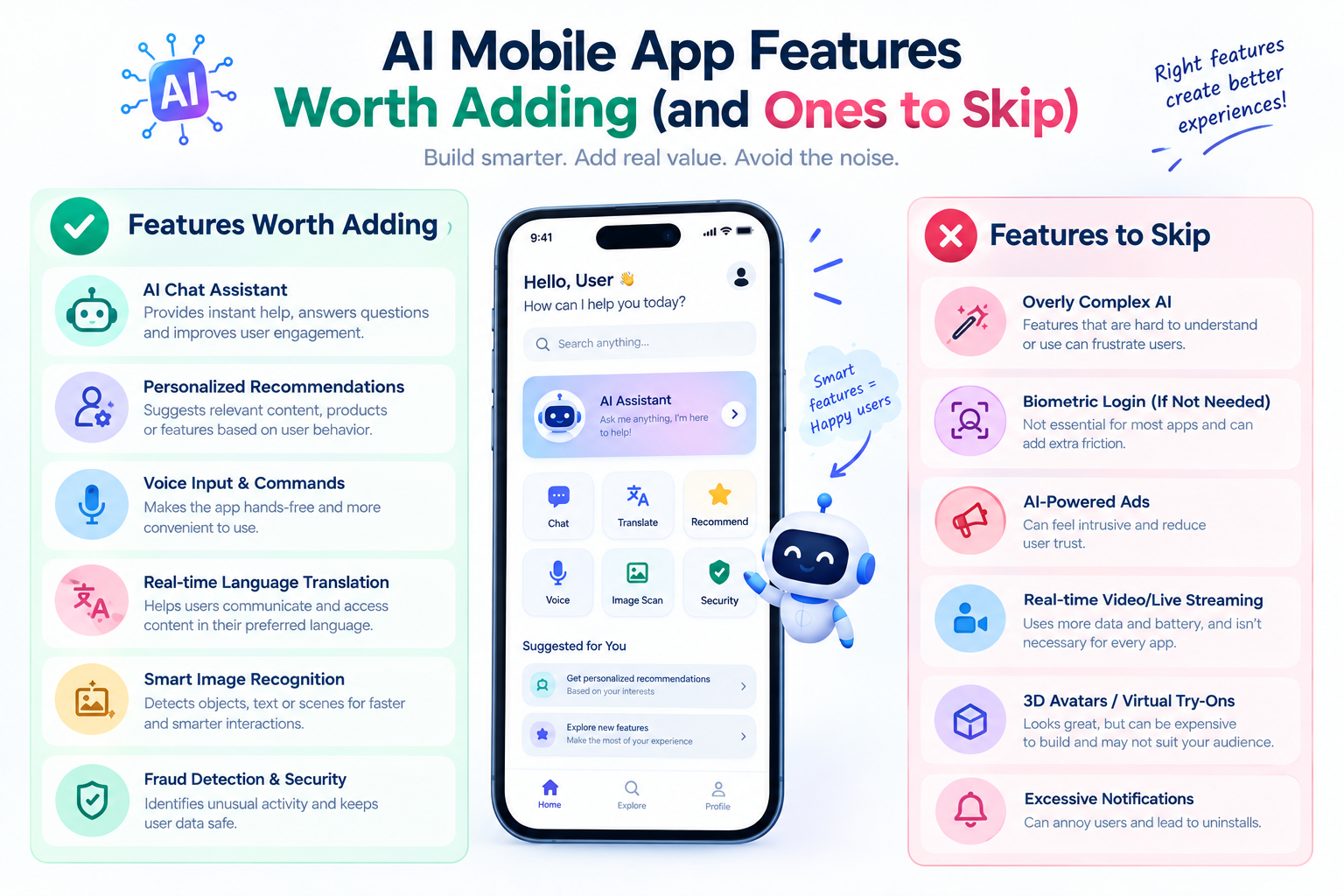
- Your mobile app: a chat assistant that knows the app features and the user account.
- Your help desk or CRM: so conversations become tickets and leads without manual copying.
Pick the channel where your customers already ask questions, and add others after the first one works.
Content is the hard part
Most chatbot problems are content problems. If your pricing page, policies and FAQs are out of date or contradict each other, the chatbot will repeat the confusion. Before building, tidy the source material: one clear answer for each common question, owned by a named person who keeps it current. After launch, review the questions the chatbot could not answer every week and turn the common ones into new content. This routine improves both the chatbot and your website.
Privacy and trust
- Tell visitors they are talking to an AI, and how to reach a person.
- Avoid asking for sensitive details in chat unless it is necessary and protected.
- Decide how long conversations are stored and who can read them.
- Check how the AI service you use handles the data you send it.
These points protect your customers and your reputation, and they are easier to design in at the start than to add later.
Off-the-shelf tool or custom chatbot?
- Off-the-shelf tool: fast to set up, usually a monthly fee, and good for simple FAQ coverage on a website. You get less control over answers, design, data location and integrations.
- Custom chatbot: built around your content and systems. It costs more to start, and it can connect to your CRM, orders and booking tools, follow your handover rules and match your brand.
A sensible path is to prove the idea with a small pilot, then decide whether the limits of a ready-made tool justify a custom build. Choosing the expensive option first, before you know what customers ask, is the common mistake.
Designing the conversation
The best chatbots feel simple because their design was careful. These choices matter more than the AI model underneath:
- The opening message: say what the bot can help with, so visitors ask things it can answer.
- Tone: match how your team writes to customers, short and clear, without pretending to be a person.
- Boundaries: decide the topics it will not answer, such as legal advice, refunds or medical questions, and say so politely.
- Fallbacks: when it does not know, it should say so and offer a person or a contact form, never guess.
- Lead capture: ask for an email or phone number only after the bot has been useful.
- Language: if customers write in Hindi or a mix of Hindi and English, test the bot with real examples of that.
An example conversation
This illustrative exchange shows the behavior to aim for.
- Visitor: "How long does delivery take to Pune?"
- Bot: answers from the delivery policy page, names the page it used and asks if the visitor would like the order status checked.
- Visitor: "Yes, order 4821."
- Bot: if connected to the order system, it reads the status. If not, it says it cannot check orders and offers to pass the order number to the support team.
- Visitor: "It is late and I want a refund."
- Bot: recognizes a complaint, apologises briefly, collects contact details and hands the conversation to a person with the full history.
The bot did three things well: it answered from approved content, it was honest about what it could not do and it handed over at the right moment.
Handing over to a person
Handover is where chatbots earn or lose trust. Plan it as carefully as the answers:
- Define the triggers: a complaint, a request for a person, a repeated failure to answer, or a high-value enquiry.
- Choose where the conversation goes: a shared inbox, a help desk ticket, a CRM lead or a WhatsApp number.
- Pass the whole conversation on, so the customer never has to repeat themselves.
- Show opening hours and expected reply time when no one is available.
- Review handovers weekly to learn which questions the bot should have been able to answer.
Testing before you launch
- Build a test set of 50 to 100 real questions from emails, calls and chats, and check the answers against your approved content.
- Try questions that should not be answered, to check the boundaries hold.
- Try misspellings, short messages and mixed-language messages.
- Try attempts to push the bot off topic or to reveal internal instructions.
- Test on a phone as well as a desktop, since many visitors will use a phone.
- Ask people who did not build it to try it, because they will ask in unexpected ways.
Fix what fails, repeat the test, and launch to a small share of visitors first. Wider release comes after the results look steady.
How to measure it
- Resolution rate: how many chats ended with the question answered.
- Handover rate and the reasons for it.
- Customer feedback after chats.
- Change in support load or completed enquiries.
- Wrong or unanswered questions, reviewed weekly, so you can improve the content.
A 30-day launch plan
- Week 1: list the common questions, gather the approved answers and agree the goal, the boundaries and the handover rules.
- Week 2: build the first version on your content and connect the handover channel.
- Week 3: test with the question set, fix the gaps and train your team on how handovers will reach them.
- Week 4: release to a small share of visitors, review every conversation and decide what to change before opening it to everyone.
After launch, keep the weekly review going. The chatbot improves only as fast as your team reads what it could not answer. If you plan to build one inside an app rather than a website, our mobile app development services cover that too.
Build it with Ucodice
We build chatbots for websites and apps as part of our AI development services, and can connect them to your website or mobile app. We start with a pilot on your own content so you can see real results first.
Frequently asked questions
What is the difference between a chatbot and an AI chatbot?
A traditional chatbot follows scripted menus and rules. An AI chatbot understands free-text questions and writes answers from the content you give it.
Will an AI chatbot replace my support team?
It usually reduces repetitive questions and lets your team focus on harder cases. It works best with an easy handover to a person.
Can the chatbot answer only from my own content?
Yes. We configure it to answer from approved sources and to say so when it does not know, instead of guessing.
Can it work on WhatsApp or my mobile app?
Yes, depending on the channel. We confirm the options during the consultation.
How do I keep it accurate over time?
Review unanswered and wrong questions regularly and update the content. We can set up this review process with you.